Overview
The Function of Receiving Bay Processing is to Bin Items to a Specific Store, usually from a holding store (RBS) to the Main store. This creates a Stock Adjustment in the background, to transfer stock from 1 store to the other.
Function
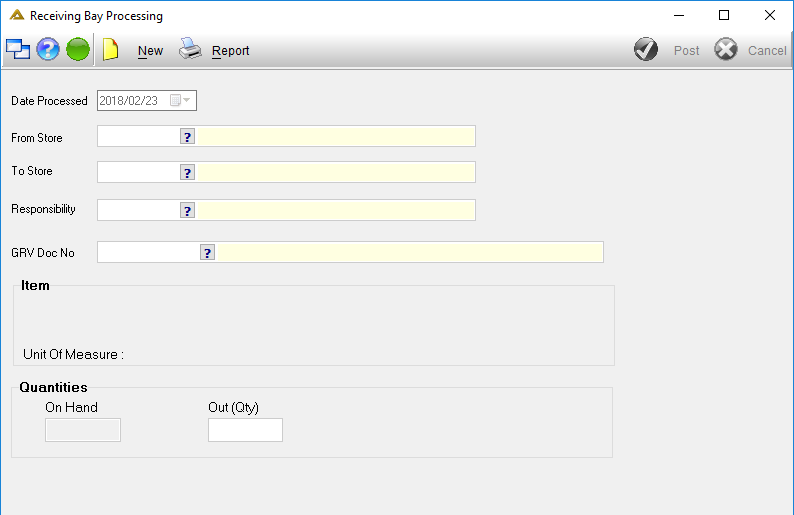
•Click on the  buton:
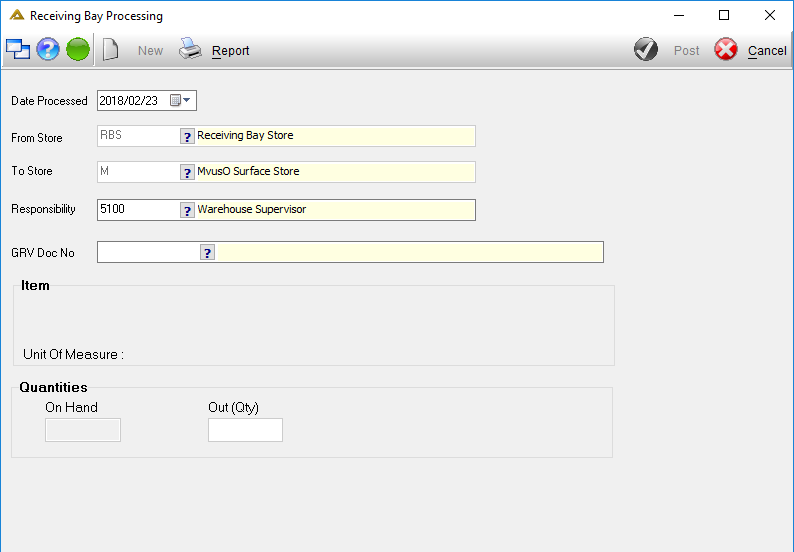
•Date Processed - Enter the process date. (Default is today’s date)
•From Store - Will be populated automatically. (Usually the receiving bay or holding store)
•To Store - Enter the store where stock must be moved to.
•Responsibility - Enter the necessary responsibility
•GRV Doc No - Enter the GRV number of the stock received into the holding store.
•Out(Qty) - Enter the quantity to be transferred.
•On completion press  to complete the stock transfer or [Cancel] to cancel the process
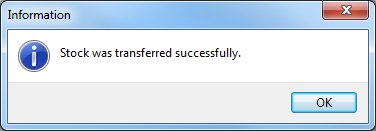
Notification will be received on successful processing
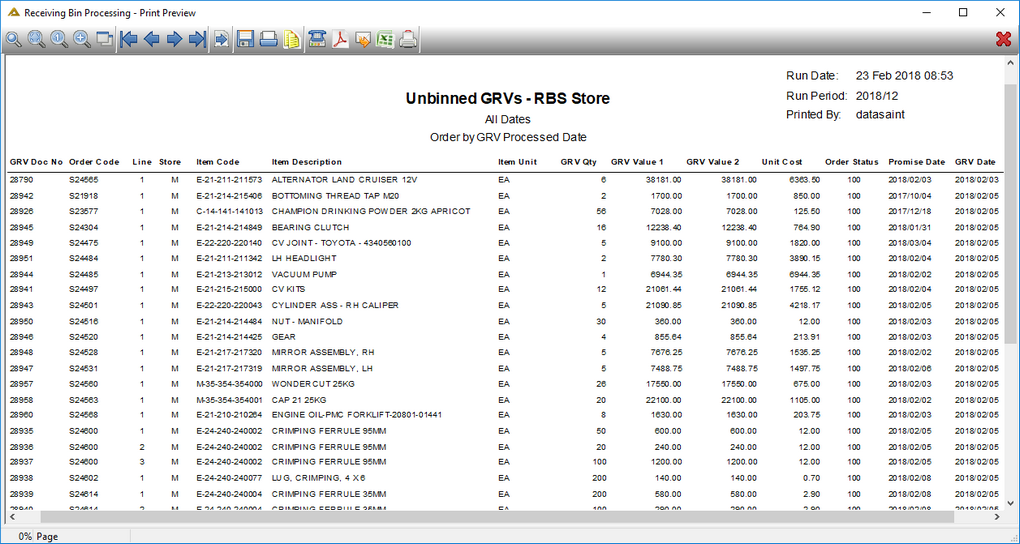
•Click on  to print a report of items to be transferred from the holding store to the selected To Store.
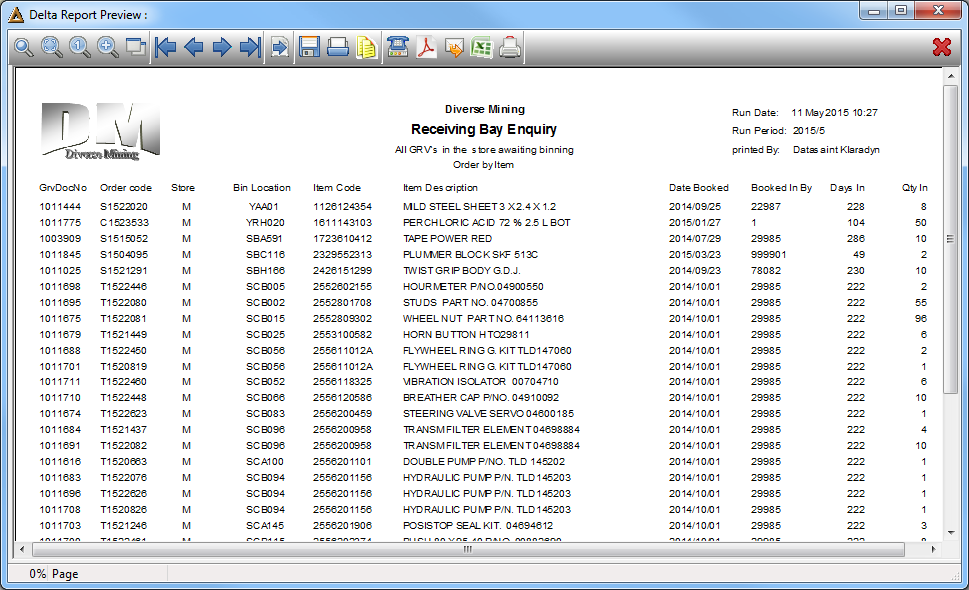
Receiving Bay Enquiry Report:
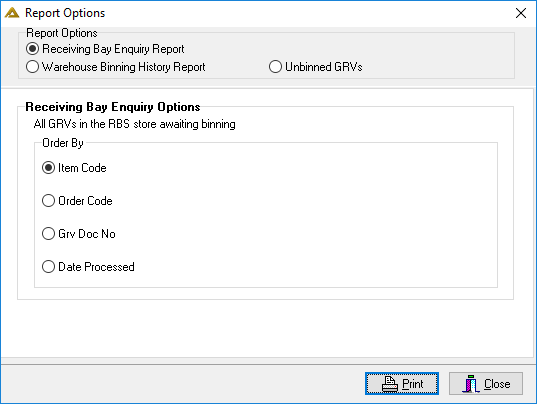
Receiving Bay Enquiry Report - Ordered by Item Code:
Warehouse Binning History Report
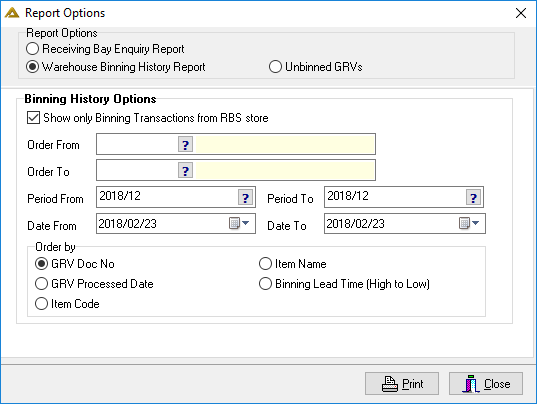
Warehouse Binning History Report:
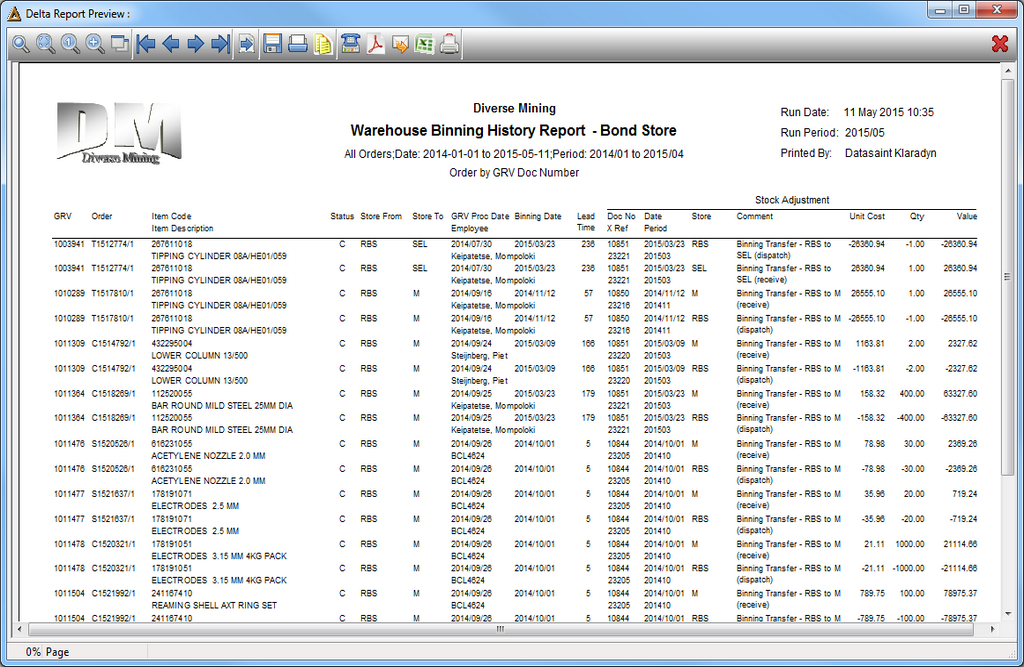
Warehouse Binning History Report
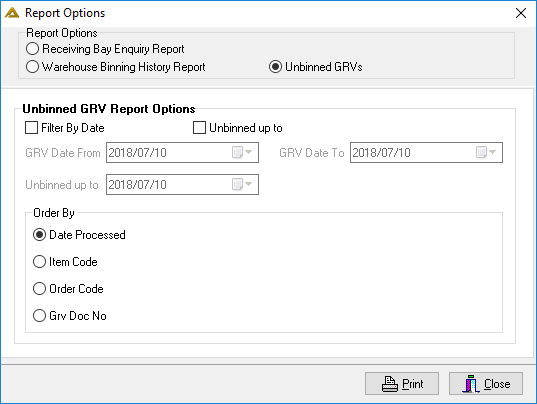
Unbinned GRVs Report Example: