Overview
The function of the Rock Engineering Input Sheet program is to define the camera data as applied to a specific working place.
Function
Panel
•Click on  in order to proceed.
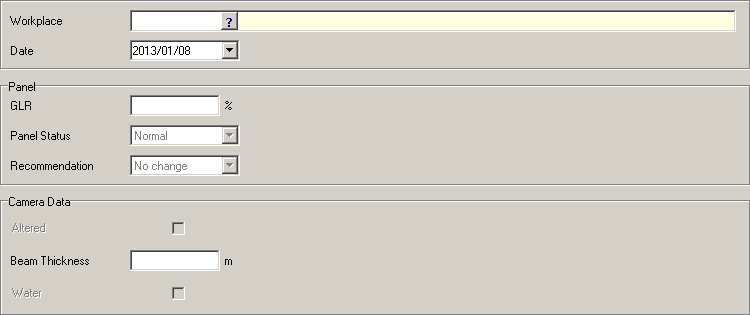
•Workplace - select the name of the workplace by clicking on the picker.
•Date - select the date from the calendar provided when clicking on the drop down arrow.
•GLR - enter in the percentage.
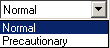
•Panel Status - select Normal or Precautionary from the drop down list.
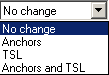
•Recommendation - select from the drop down list.
Camera Data
•Select the 'Altered' option in order to have the camera data altered.
•Beam thickness - enter in the dimension of the beam in meters.
•In order to include 'Water', tick the available box.
Click on  in order to print the report.
Camera
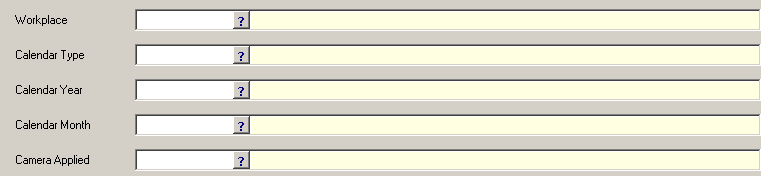
•Workplace - select the name of the workplace by clicking on the picker.
•Calendar Type - select the name of the calendar, eg. Mining Calendar.
•Calendar Year - select the year.
•Calendar Month - select the month of the year selected.
•Camera Applied - select the calendar date by clicking on the picker.
Click on  in order to print the report.
