Overview
This application allows the user to view the annual financial information per costing structure comparative over multiple years.
Function
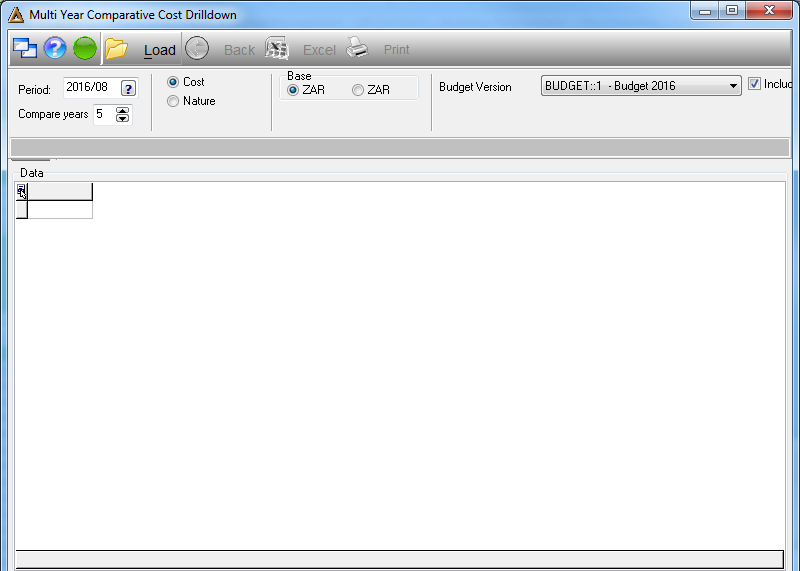
•Period - select the financial period of the cost drilldown.
•Compare Years - select the number of years you would like to receive financial information for.
•Base - select the type of currency, ZAR or USD.
•Budget Version - select the budget version by clicking on the drop down arrow.
•Once you have selected / entered all the information, click on  in order to generate the data.
•To import the data to an Excel spreadsheet, click on  .
.
Click on  in order to generate the drilldown report.
