Overview
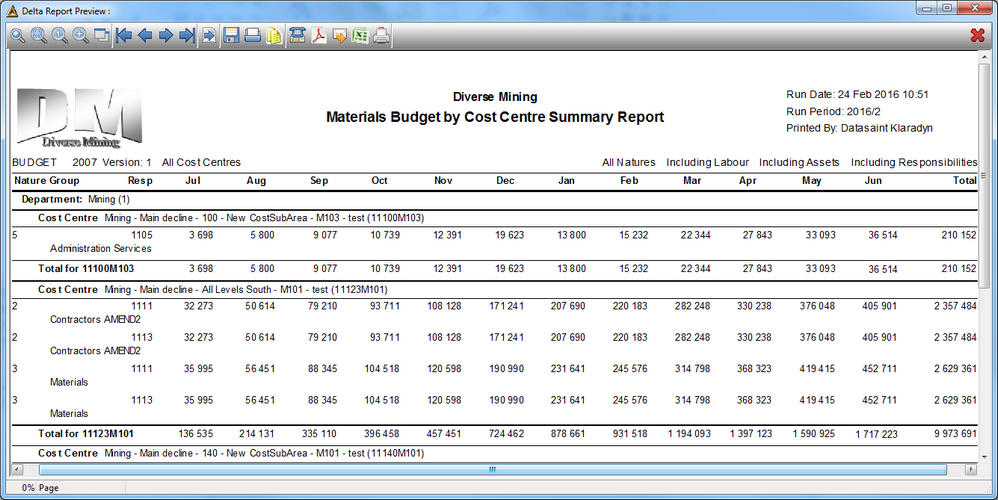
This report allows the user to view the material budgets per month over a year period at various levels.
Function

•Report by - Generate report based on Cost Centre, Nature and Responsibility.
•Budget Selection - Select the Type, Year and Version for the budget selection using the drop down arrows.
•Should the values be rounded - leave unchecked for normal values.
•Cost Centre Range - select the name of the cost centre.
•Resp Range - Select the responsibility range or leave blank for all.
•Nature From & To - select the nature of the account.
•Labour - Include / Exclude labour.
•Assets - Include / Exclude assets.
•Responsibility - Include / Exclude responsibility.
•Nature Group - select this option in order to have the results summed by nature group.
•Nature Sub Group - select this option in order to have the results summed by nature sub group.
•Nature Code - select this option in order to have the results summed by nature.
Click on  in order to generate the result.