Overview
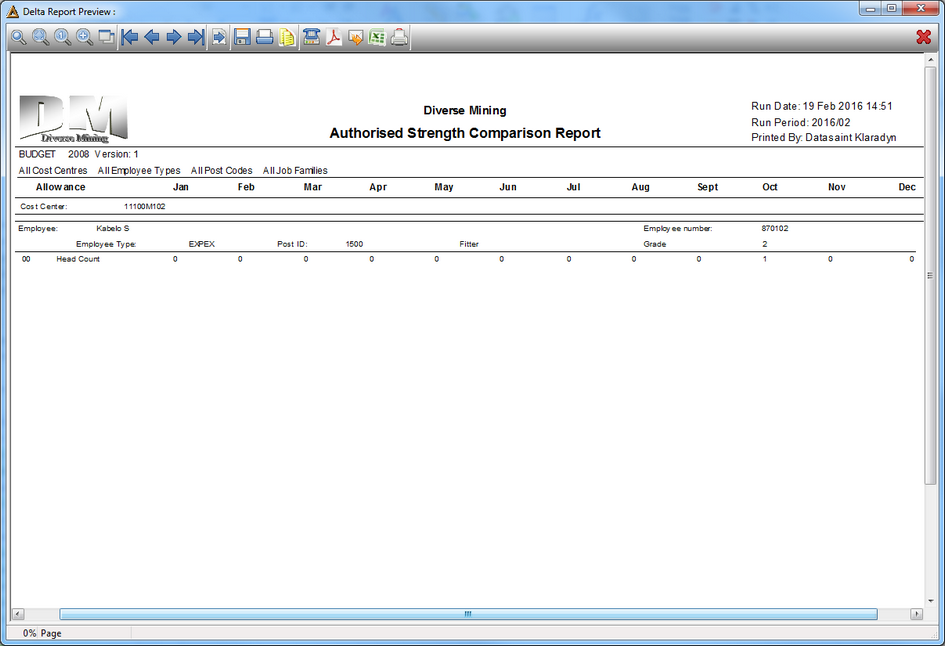
This report allows a user to view the differences in head count per position per month over a 12 month period.
Function
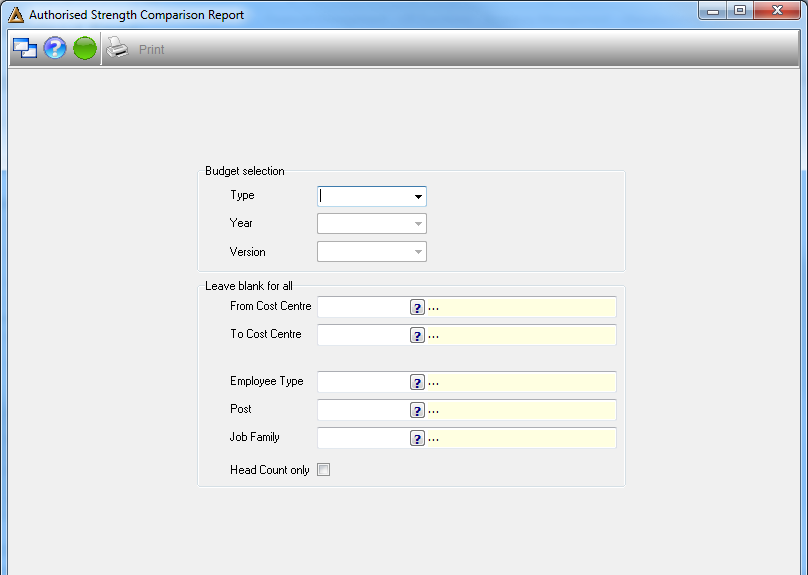
•Type - select the type of budget by clicking on the drop down arrow.
•Year - select the year of the budget by clicking on the drop down arrow.
•Version - select the version number, 1 or 2 by clicking on the drop down arrow.
•Cost Centre From & To - select the cost centre name by clicking on the picker.
•Employee Type - select the type of employee by clicking on the picker.
•Post - select the type of post of the employee.
•Job Family - select the job family name.
•Head count only - choose include / exclude the head count.
Click on  in order to generate the report.